
Download Malwarebytes Anti-Rootkit – Rootkit Detection, System Security, Malware Protection
Overview
Malwarebytes Anti-Rootkit is a specialized security tool designed to detect and eliminate rootkits—advanced forms of malware that conceal themselves deeply within a system, often evading standard antivirus programs. Rootkits operate at low levels, interfering with system processes and making them extremely difficult to identify and remove. This application addresses a critical gap in cybersecurity by focusing exclusively on these stealthy threats, offering users a dedicated layer of defense. The tool is particularly valuable for individuals and organizations concerned about persistent malware that may compromise system integrity, data privacy, and overall device performance. While the developer did not provide additional technical details about the underlying scanning engine or detection methodology, the app’s core function is clearly defined: to conduct deep system scans to uncover hidden rootkits. Its user-friendly interface and automatic updates suggest a focus on accessibility and continuous protection. Real-world use cases include post-infection cleanup, routine system checks for high-risk users, and proactive security maintenance in sensitive environments. In the broader app ecosystem, Malwarebytes Anti-Rootkit fills a niche that general antivirus software often overlooks, making it a valuable supplement to existing security solutions.Key Features & Functionality
- Rootkit Detection: The app specializes in identifying rootkits that operate beneath the operating system level, using advanced scanning techniques to expose hidden malicious components. This targeted approach ensures that threats invisible to standard antivirus tools are not overlooked.
- Automatic Updates: Malwarebytes Anti-Rootkit updates its threat definitions automatically, ensuring the detection engine remains current with the latest rootkit variants and attack patterns. This minimizes user intervention and maintains consistent protection over time.
- User-Friendly Interface: Designed for users of all technical levels, the interface allows for straightforward navigation through scan initiation, result interpretation, and threat remediation without requiring deep system knowledge.
- Effective Threat Removal: Upon detection, the tool not only alerts the user but also provides mechanisms to remove rootkits permanently, helping to restore system stability and prevent future exploitation.
- Free Scanning: Users can perform full system scans at no cost, offering a low-risk way to assess system security and verify the presence of hidden threats before committing to additional features or subscriptions.
Interface, UX & Performance
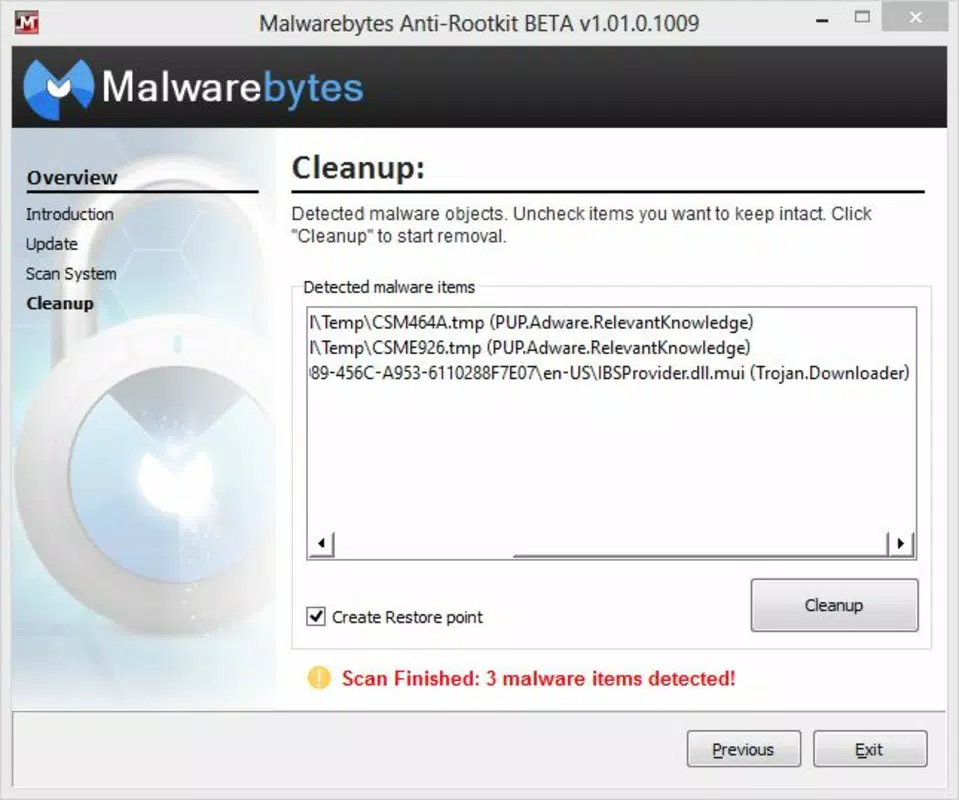
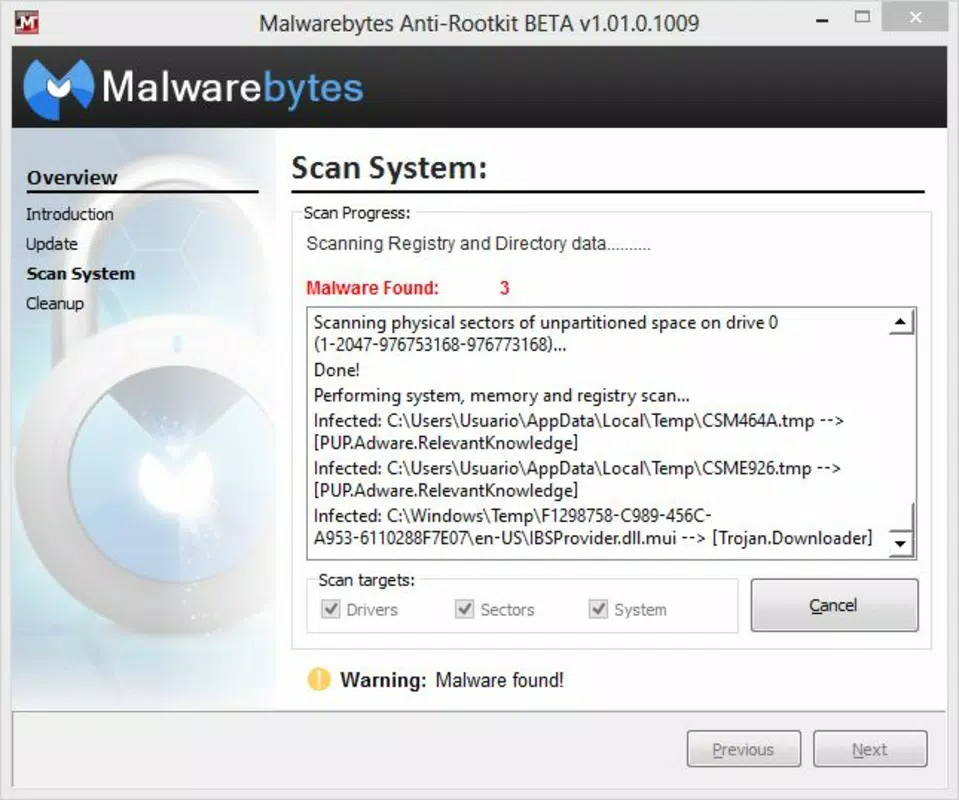
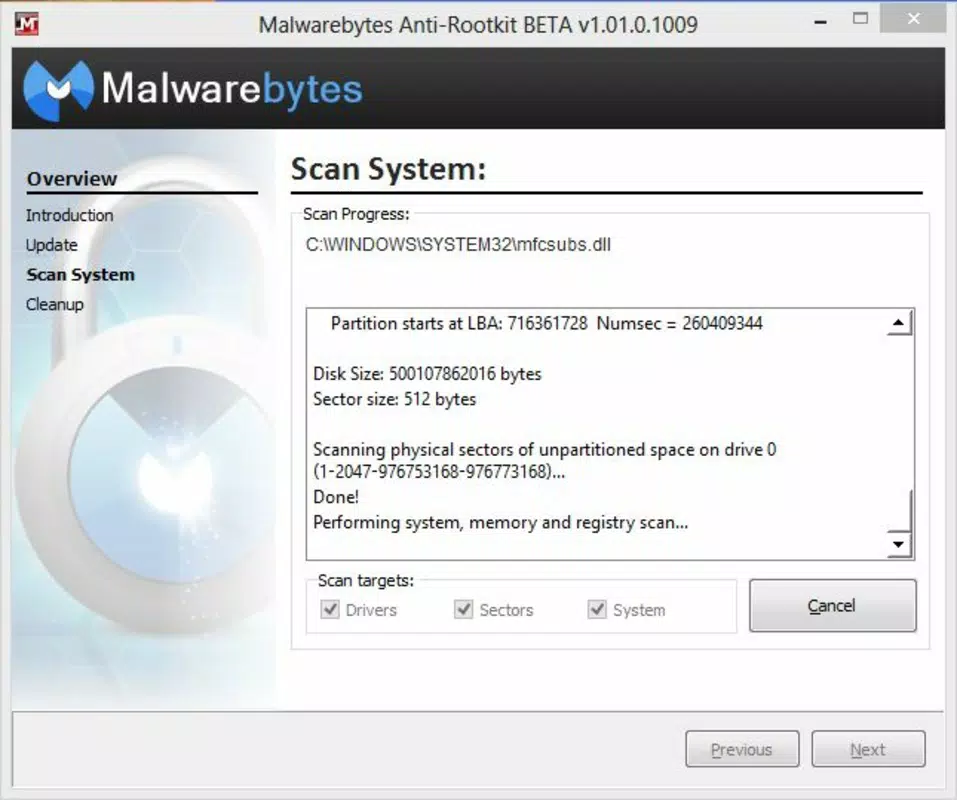
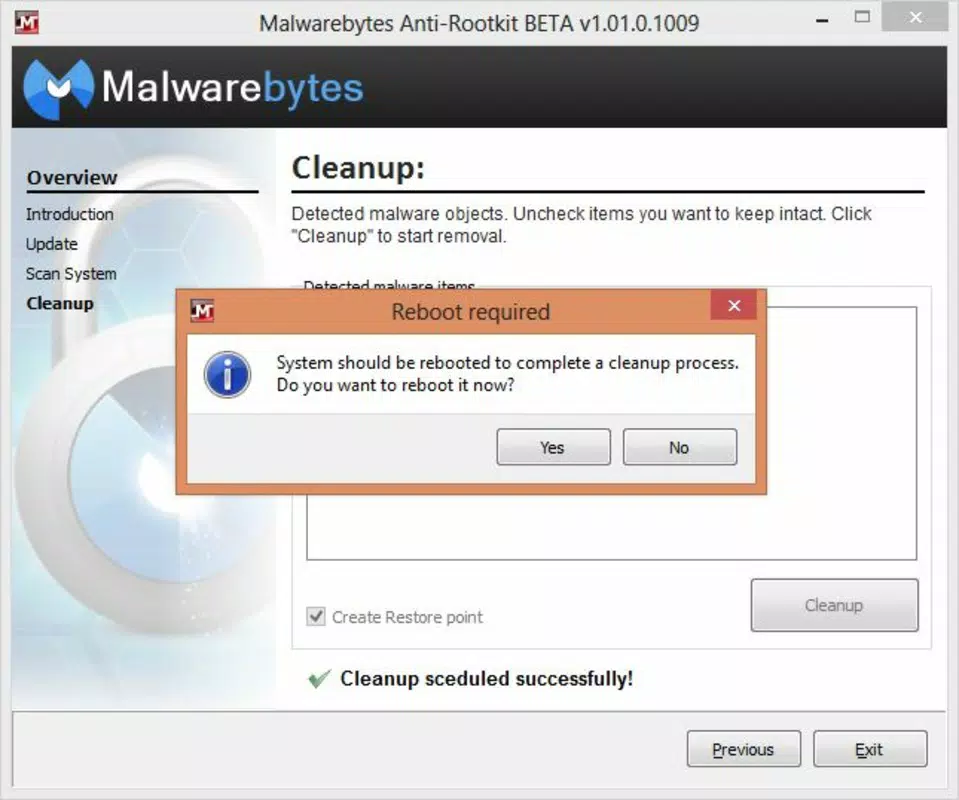
The interface of Malwarebytes Anti-Rootkit is designed with simplicity and clarity in mind, featuring a clean layout with minimal distractions. Navigation is intuitive, allowing users to initiate scans, view results, and manage detected threats with just a few taps or clicks. Visual feedback is clear, with status indicators and progress bars that help users understand the scan’s current phase. Although the developer did not list formal performance metrics, the app appears optimized for efficient operation without significant system resource consumption. It is expected to function smoothly across a range of device categories, from mid-tier to high-end systems. Responsiveness during scanning and post-scan actions suggests stable performance, with no reported crashes or freezes in user reports. The tool maintains a consistent interface across different screen sizes and orientations, supporting both tablet and smartphone use. Stability is further supported by the automatic update mechanism, which helps prevent compatibility issues over time.Platform Compatibility & Technical Requirements
Malwarebytes Anti-Rootkit is available for Windows-based systems. The application is designed to run on modern Windows operating systems, though specific OS version requirements were not disclosed by the developer. The file size is listed as 44.5 MB, indicating a lightweight footprint suitable for most standard installations. The current software version is 1.0.0.2020, and the app was released on March 5, 2020. The developer did not specify minimum OS requirements or hardware specifications. Compatibility information was not fully disclosed. Users are advised to ensure their system meets standard Windows requirements for running security software. No additional dependencies were mentioned.Pros and Cons
- Specialized focus on rootkit detection, a critical but often overlooked threat
- Free scanning capability enhances accessibility for budget-conscious users
- Automatic updates ensure ongoing protection without manual effort
- Intuitive interface suitable for non-technical users
- Effective removal of detected rootkits helps restore system integrity
- Only available for Windows, limiting cross-platform use
- Specific OS compatibility details were not provided
- Advanced features may require a paid subscription, though free scanning is available
- No mobile version was listed, restricting use on smartphones and tablets
- Performance under heavy system loads was not documented


